


Turn a product feed into a live Shopping campaign in minutes.
Optmyzr AI turns your Merchant Center feed into a complete campaign structure, so you’re reviewing a finished build instead of creating one from scratch.


Build Shopping and PMax campaigns with AI, without losing control of the structure
Skip the blank account. Let AI propose the whole structure.
Building a Shopping structure manually means deciding, product group by product group, how to split hundreds or thousands of SKUs, then repeating that decision every time the catalog changes.
Optmyzr’s Shopping Campaign Management reads your Merchant Center feed and suggests a full structure using one of three strategies:
• Most Frequent Attributes (the structure most common in your industry)
• Best Performing Attribute Combinations (built from your account’s own top performers) or
• Performance-Based Segmentation that buckets products.
See the three AI structure strategies
Optmyzr’s Shopping Campaign Management reads your Merchant Center feed and suggests a full structure using one of three strategies:
• Most Frequent Attributes (the structure most common in your industry)
• Best Performing Attribute Combinations (built from your account’s own top performers) or
• Performance-Based Segmentation that buckets products.

One workflow for Google and Microsoft Shopping
Most teams learn one platform’s campaign builder, then relearn a second one for Microsoft, with a separate mental model for each.
Shopping Campaign Management runs the same way against a Google Merchant Center feed or a Microsoft Merchant Center feed: same AI-suggested structures, same Standard Shopping and PMax Retail campaign options, same preview step before anything publishes.
Build Microsoft Shopping campaigns the same way
Shopping Campaign Management runs the same way against a Google Merchant Center feed or a Microsoft Merchant Center feed: same AI-suggested structures, same Standard Shopping and PMax Retail campaign options, same preview step before anything publishes.

Describe what you want, and let Sidekick build it
Configuring campaign type, structure, naming, budgets, and bidding one field at a time is where a lot of the actual time goes, even after the AI has suggested a structure.
Sidekick, Optmyzr’s built-in AI assistant, can walk you through that setup conversationally instead. Describe what you want in plain language, and it recommends campaign types, structures, and settings as you go, applying changes through chat or the interface, with both always in sync. You can also do it the manual way, step by step, if you’d rather configure it yourself.
Build a campaign by chatting with Sidekick
Sidekick, Optmyzr’s built-in AI assistant, can walk you through that setup conversationally instead. Describe what you want in plain language, and it recommends campaign types, structures, and settings as you go, applying changes through chat or the interface, with both always in sync. You can also do it the manual way, step by step, if you’d rather configure it yourself.

Configure PMax assets without leaving the workflow
PMax Retail needs headlines, descriptions, images, and video before it can run, and normally that means a separate trip to the Google Ads Asset Library.
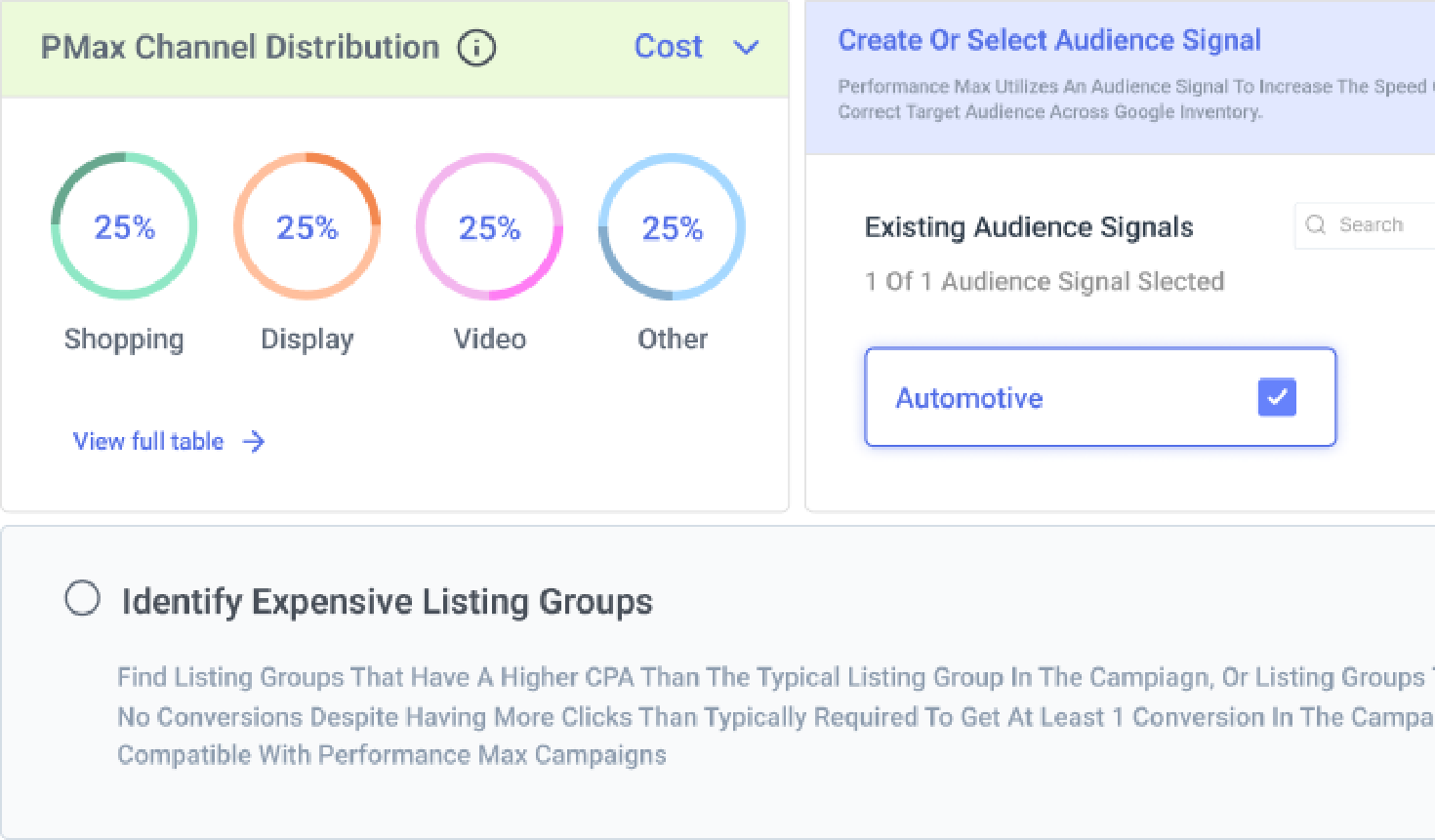
Optmyzr lets you configure PMax assets directly inside campaign setup: pull in what already exists in your Asset Library, or generate new assets from Campaign Settings, without leaving the build.
Configure PMax assets during campaign setup
Optmyzr lets you configure PMax assets directly inside campaign setup: pull in what already exists in your Asset Library, or generate new assets from Campaign Settings, without leaving the build.

Review every suggestion before it goes live
Handing structure decisions to AI raises an obvious question: what if it gets it wrong on a live account?
Optmyzr’s own answer is that every AI suggestion, structure included, is built to be reviewed, not auto-applied. You see the proposed campaigns, ad groups, and product groups on a preview screen, adjust anything that’s off, and only then does it publish. Nothing goes live unreviewed.
Preview AI suggestions before publishing
Optmyzr’s own answer is that every AI suggestion, structure included, is built to be reviewed, not auto-applied. You see the proposed campaigns, ad groups, and product groups on a preview screen, adjust anything that’s off, and only then does it publish. Nothing goes live unreviewed.

Campaigns don't go stale the day after launch
A campaign built once against a feed that changes daily starts drifting from day one: new products missing, sold-out items still running.
Once a structure is built, Optmyzr can refresh it against your Merchant Center on a schedule you set, adding new products to the right groups and pausing discontinued ones automatically. Building the campaign well is the first step. Keeping it that way is the part manual setup never solved.
Schedule automatic feed syncs
Once a structure is built, Optmyzr can refresh it against your Merchant Center on a schedule you set, adding new products to the right groups and pausing discontinued ones automatically. Building the campaign well is the first step. Keeping it that way is the part manual setup never solved.

Optmyzr in action
5 min
campaign setup, down from 5 hours
Setting up Shopping campaigns in Optmyzr takes minutes, not hours. Optmyzr is so integrated with the way we work now that we don't really measure the time savings anymore. It's just how we operate.
Jorgen Schultz, Paid Search Specialist, Momentum Performance
Read how Momentum cut setup from 5 hours to 5 minutes


Connect your feed. Watch the structure build itself.
Try Optmyzr for 14 days. No credit card required.

FAQs
It builds the full structure, not just ideas. You can choose Most Frequent Attributes, Best Performing Attribute Combinations, or Performance-Based Segmentation, and Optmyzr generates the ad groups and product groups for you. You review everything on a preview screen before it publishes.
Yes. Shopping Campaign Management runs the same AI-suggested build against a Microsoft Merchant Center feed, producing Standard Shopping, PMax Retail, or Optmyzr Smart Campaigns the same way it does for Google.
Yes. Sidekick can walk you through campaign creation conversationally: describe your requirements, and it recommends campaign types, structure, and settings step by step, applying changes as you confirm them. The manual setup flow is still there if you'd rather do it yourself.
No. Every suggested structure lands on a preview screen first, where you can adjust anything before it goes live. Nothing publishes without that review step.
Most Frequent Attributes builds around the attribute combinations most common in your industry. Best Performing Attribute Combinations builds around what's already worked in your own account. And Performance-Based Segmentation groups products into separate best-, mid-, and low-performing campaigns by ROAS and cost, so budget and bidding can differ by tier from day one.
Yes. Optmyzr streamlines the setup workflow for managers handling multiple accounts by offering a standardized, AI-guided process. Rather than duplicating logic, since each client's feed and industry data are unique, the AI analyzes each account's specific Merchant Center feed to generate a tailored structure quickly.
No. Once a campaign is live, Optmyzr can sync it against your Merchant Center on a schedule you choose, adding new products to the right groups and pausing anything discontinued, without a manual rebuild.
Yes. The AI-suggested structure is a starting point, not a requirement. You can build the structure manually inside the same tool if you'd rather set it up yourself.
Optmyzr Smart Campaigns require a baseline of 15+ conversions in the last 30 days to optimize effectively. This threshold ensures there is sufficient performance data to accurately manage Target ROAS bidding and budget allocation.