Funnel your ad spend towards your most lucrative PPC assets.
Shift your focus to high-level strategy while Optmyzr’s budget and bid tools safeguard your money. Easily optimize smart bidding campaigns, maintaining full control of your spending decisions.


PPC Budget & Bid Management Capabilities
Never overspend another ad budget.
Keep tabs on your spending across multiple platforms and get notified over Email, Slack, or Microsoft Teams when budgets exceed or underspend. Monitor Budget Pacing throughout the month and create rules to change budgets on automation based on your business requirements. Plus, automatically pause campaigns once their monthly budgets are hit and reenable them next month to prevent overspending. Supported for all bid strategies and campaign types.

Make smarter budget projections with AI-backed insights.
View projections of how much you’re likely to spend by the end of the month or quarter. These accurate predictions are based on account history, seasonality, and recent budget changes, powered by our proprietary AI.

Optimize budgets based on what can actually spend.
Not every campaign can use more budget, even when performance looks strong. Optmyzr helps you reallocate budgets based on spend potential, so increases go only to campaigns that can actually deliver more volume. Suggestions account for likely spend in the current period, impression share lost due to budget, and structural limits that cap delivery. Instead of spreading budgets thin or forcing reallocations, Optmyzr directs spend toward campaigns with real room to grow and avoids changes that won’t move results.

Plan and apply budget changes with clear limits and previews.
The Budget Control Center lets you plan, preview, and apply budget changes in one place, without guessing how they’ll affect performance. You can simulate a target budget, review projected spend, and see the expected impact across platforms before making changes. Clear limits control how much individual budgets can move, and recently changed budgets are locked by default to prevent overlapping or unstable adjustments. The result is fewer reactive changes, more predictable outcomes, and budget decisions you can apply with confidence.

Understand when budgets are the limit and when they aren’t.
When campaigns lose impression share, budgets aren’t always the problem. Often, campaigns are already spending at their maximum potential, and increasing budgets further won’t increase reach. Optmyzr makes this clear by showing when delivery is constrained by eligibility, structure, or performance targets, and when budget increases would have little impact. When budgets are the constraint, the tool highlights where additional spend can unlock more impressions. When they aren’t, it explains why, so you can focus on the change that actually matters.

Cut the cost of Smart Bidding by reducing wasteful spend.
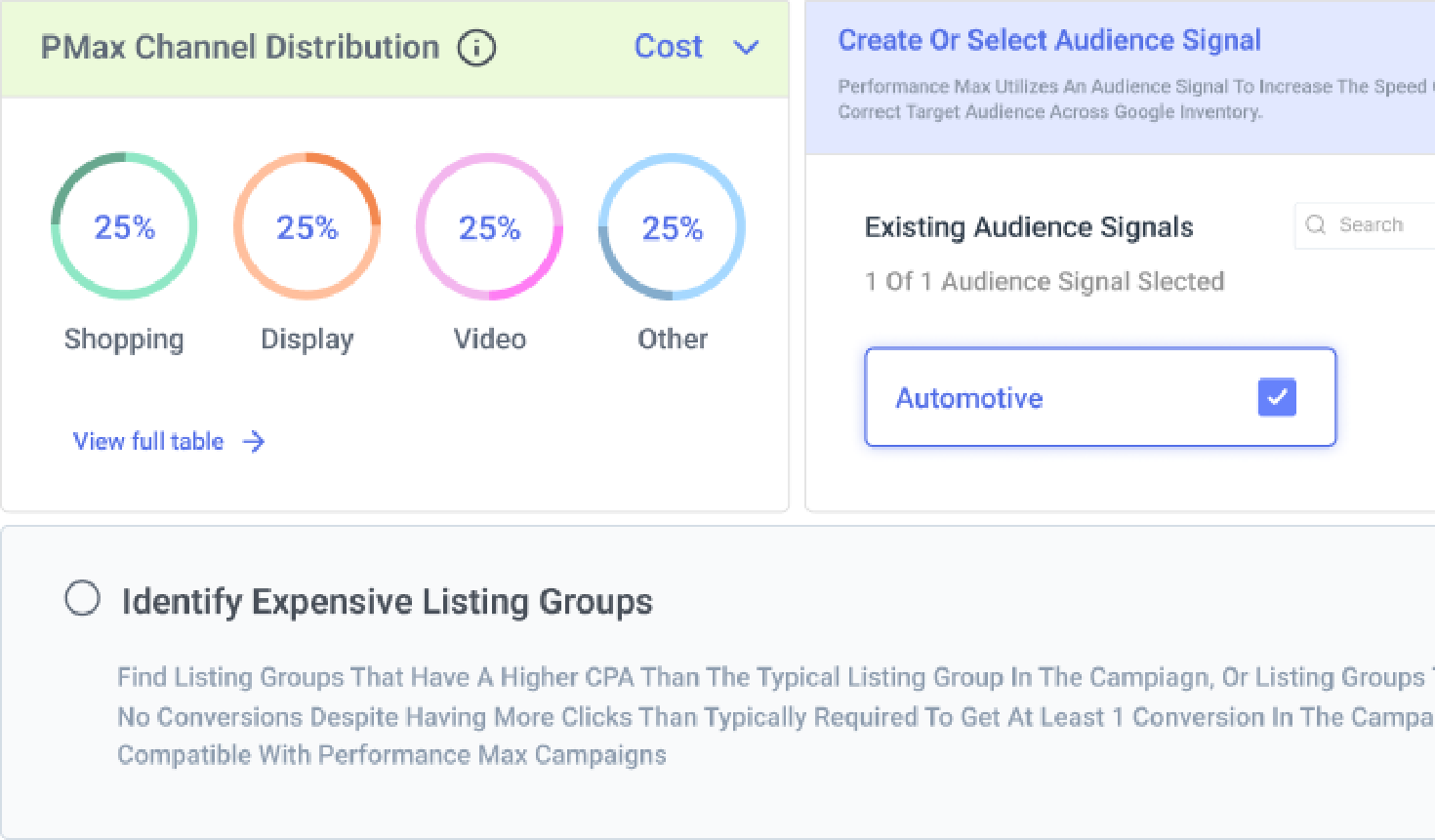
Regularly perform simple yet effective measures to reduce wasted ad spend, like adding non-converting search terms as negative keywords to search campaigns and excluding non-converting placements or listing groups from Performance Max campaigns. Take the reins on your campaigns now, irrespective of whether automation is handling it!

PPC teams use Optmyzr to manage bidding and budget tracking


Take back control of your PPC destiny.
Try Optmyzr for 14 days. No credit card required.