


Your feed changes every day. Your campaigns should too.
Automatically launch new arrivals, pause sold-out stock, and sync price changes. Define your rules once and let Campaign Automator run your daily feed management on autopilot.
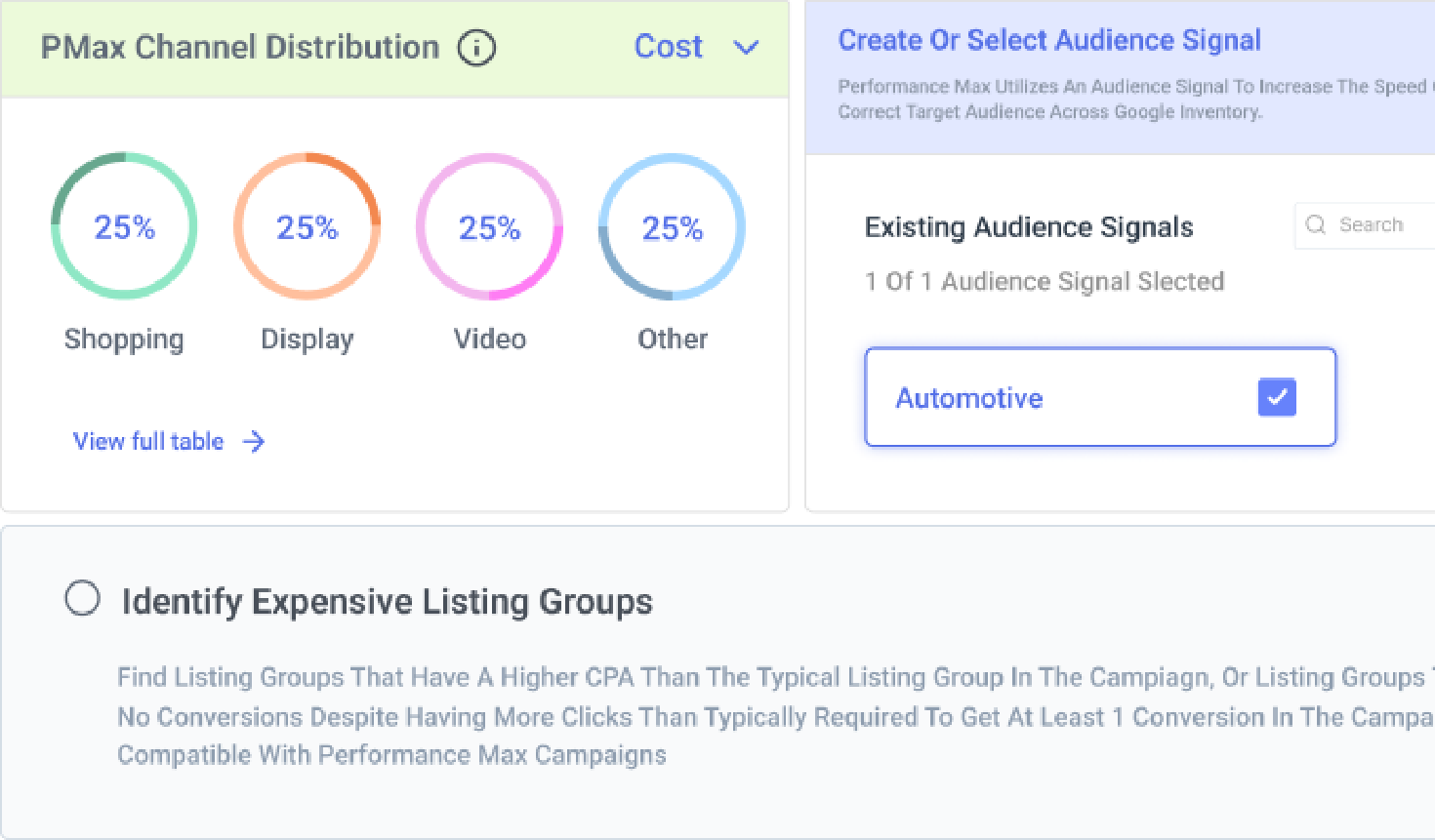


Launch & automate your ecommerce campaigns based on your feed
Eliminate the tedious blank-page setup when launching new feed campaigns.
Instead of filling out every campaign field and drafting copy manually, point Campaign Automator at your feed to automatically build working campaign templates. Optmyzr’s AI generates pre-filled structures and suggests up to six sitelinks and callouts straight from your catalog, giving you a complete foundation to review and fine-tune before launch.
Watch Campaign Automator build a template from your catalog

Only run ads for what's actually in stock.
Set your inventory conditions at the campaign or ad group level, and Campaign Automator takes it from there. The moment a product sells out, its ads pause on their own; the moment it’s back, they pick right back up, no manual check needed.
Pause ads automatically when products sell out

One workflow builds every campaign type your feed can fuel
Managing separate setups for Search, Display, Dynamic Search Ads, AI Max, and Performance Max lead gen wastes valuable time. Campaign Automator unifies them into a single feed-driven template. You can reuse existing assets effortlessly, streamline setup across multiple formats, and avoid manual duplication across campaign types.
Build Search, DSA and PMax campaigns from one template

Target locations without hunting for IDs.
Search for a location by name or address, enter an ID or coordinates directly, or drop a pin on an integrated map, whichever’s fastest for you. From there, layer on in-market and affinity audiences to sharpen exactly who sees your ads.
Set up location targeting in Campaign Automator

Set bidding rules that move with your feed.
Choose Manual CPC, Maximize Conversions, Maximize Clicks, Maximize Conversion Value, or a Portfolio Strategy for your campaigns. Target CPA, Target Cost, and Target ROAS values can be static or pulled dynamically from a column in your feed, so your bidding adjusts as your data does.
Use modified data columns for feed-based targets

Stop spending hours connecting disjointed product feeds to your campaigns.
Track inventory from Google Sheets, Merchant Center, XML, FTP, or Amazon S3. Connect Google Sheets or Merchant Center instantly with self-serve setup. For custom feeds like XML, FTP, or S3, our team handles the integration for a nominal setup fee, keeping your campaigns automatically updated whenever your data changes.
Connect Google Sheets, Merchant Center, XML, FTP or S3

Keep negative keywords in sync everywhere.
Build a list once at the campaign or ad group level, and it’s shared automatically across every campaign it’s attached to. Reuse a list you already have, or start fresh, whichever fits the account better.
Build shared negative keyword lists once

Make bulk changes in a fraction of the time.
If your feed structure changes, replace a column header once instead of editing every template by hand. Bulk-replace exact text across templates in a single pass, or select several at once and automate them together.
Replace column headers or text across templates

PPC teams use Campaign Automator to keep pace with their feed
+69%
conversion value
5 minutes
from 5 hours in setup time
Setting up shopping campaigns in Optmyzr takes minutes, not hours. Optmyzr is so integrated with the way we work now that we don't really measure the time savings anymore. It's just how we operate.
Jorgen Schultz, Paid Search Specialist, Momentum Performance
Read how Momentum grew conversion value 69%


Start building campaigns from your feed.
Try Optmyzr for 14 days. No credit card required.


Campaign Automator FAQs
Inventory-based PPC advertising ties ad campaigns directly to real-time stock, pricing, or availability data, so ads only run for products or services that are actually available. It's common in ecommerce, automotive, travel, and any business where inventory changes often.
A feed-based campaign is built directly from a structured data source, like a product catalog or inventory feed, instead of being set up manually. As the feed changes, the campaign, ad groups, keywords, and ads update to match.
Google Ads and Microsoft Ads. Both support Search, Display, and Dynamic Search Ads, while AI Max and Performance Max lead generation campaigns are Google-only for now.
Yes. Campaign Automator builds Search, Display, and Dynamic Search Ads campaigns on Microsoft Ads from the same feed-driven workflow used for Google Ads.
It's available to Optmyzr Premium users, free for one Google Ads or Microsoft Ads account per subscription. Additional accounts are $89 a month each, with custom pricing available for higher account volumes.
Optmyzr Premium customers get one Google Ads or Microsoft Ads account free, with additional accounts at $89 a month. Without an Optmyzr subscription, Campaign Automator alone runs $249 a month per account.
Monthly or annual billing. An annual prepaid subscription gets a 30% discount compared to the monthly rate, and billing runs automatically on the same date each cycle, starting from your subscription date.
Campaigns typically update on a set schedule—daily, weekly, or monthly—depending on the automation rules applied. This helps ensure your ads stay accurate and reflect real-time availability, pricing, or promotions.
Yes. Optmyzr’s AI can generate full campaign templates using your inventory and website. It also suggests relevant sitelinks and callout assets to speed up setup. You’ll get a solid structure tailored to your goals, which you can then customize and automate with Campaign Automator.
Yes. Dynamic templates control how feed data fills headlines, descriptions, and URLs, layered with rules for bids, devices, audiences, or geo-targeting.
Not at all. While it’s great for large inventories, campaign automation also benefits service providers, travel companies, real estate businesses, or anyone managing many similar offerings. It streamlines the ad creation process and allows smaller teams to scale without sacrificing quality.
Up to 50,000 products are included in the base plan, with additional products priced at $15 per 10,000 products monthly. Self-serve integrations like Google Sheets and Merchant Center have no setup fee, while custom integrations (such as XML, FTP, or Amazon S3) require assisted setup by our team for a setup fee.
No. It only manages what it created. Entities built outside the tool, and budgets you manage manually or with another tool, are left alone.