


Catch feed issues before they show up in your ROAS.
Your campaigns are only as strong as the feed behind them. Optmyzr keeps your product feed optimized so your strategy actually gets results.


Audit and optimize your product feeds in one workflow
Get one score for your whole feed's health.
Run an audit and get an overall score out of 100, always visible right in your dashboard, plus individual scores for every check underneath it. Click into any one and see exactly what’s dragging it down, no guessing which fix actually matters most.
See what the Feed Audit checks and how it scores

Fix what's broken without leaving the audit.
Missing brand, bad category, thin description, whatever it is, fix it right from the results page with Express Optimizations. Type it in yourself, pick a suggested value, generate an AI suggestion, or bulk-update up to 25 products at once.
Bulk-fix missing brands and categories with Express Optimizations

Let AI write the fix, then export it for review.
Generate AI suggestions for titles, descriptions, and categories right inside the audit, or download up to 100 of them as a CSV first if you’d rather have someone sign off before anything goes live.
Generate AI title and description fixes and export them to CSV

Let performance sort your products for you.
Every product lands in one of five buckets, Heroes, Sidekicks, Villains, Zombies, or Flukes, based on ROAS and cost. No scripts or manual tagging required, and labels can update automatically on your set schedule.
You can also create custom labels, like labels based on price points or ROAS and run them in their own campaign with a shared budget and target.
Label products as Heroes, Sidekicks and Villains automatically
You can also create custom labels, like labels based on price points or ROAS and run them in their own campaign with a shared budget and target.

Spot the product groups quietly hurting you.
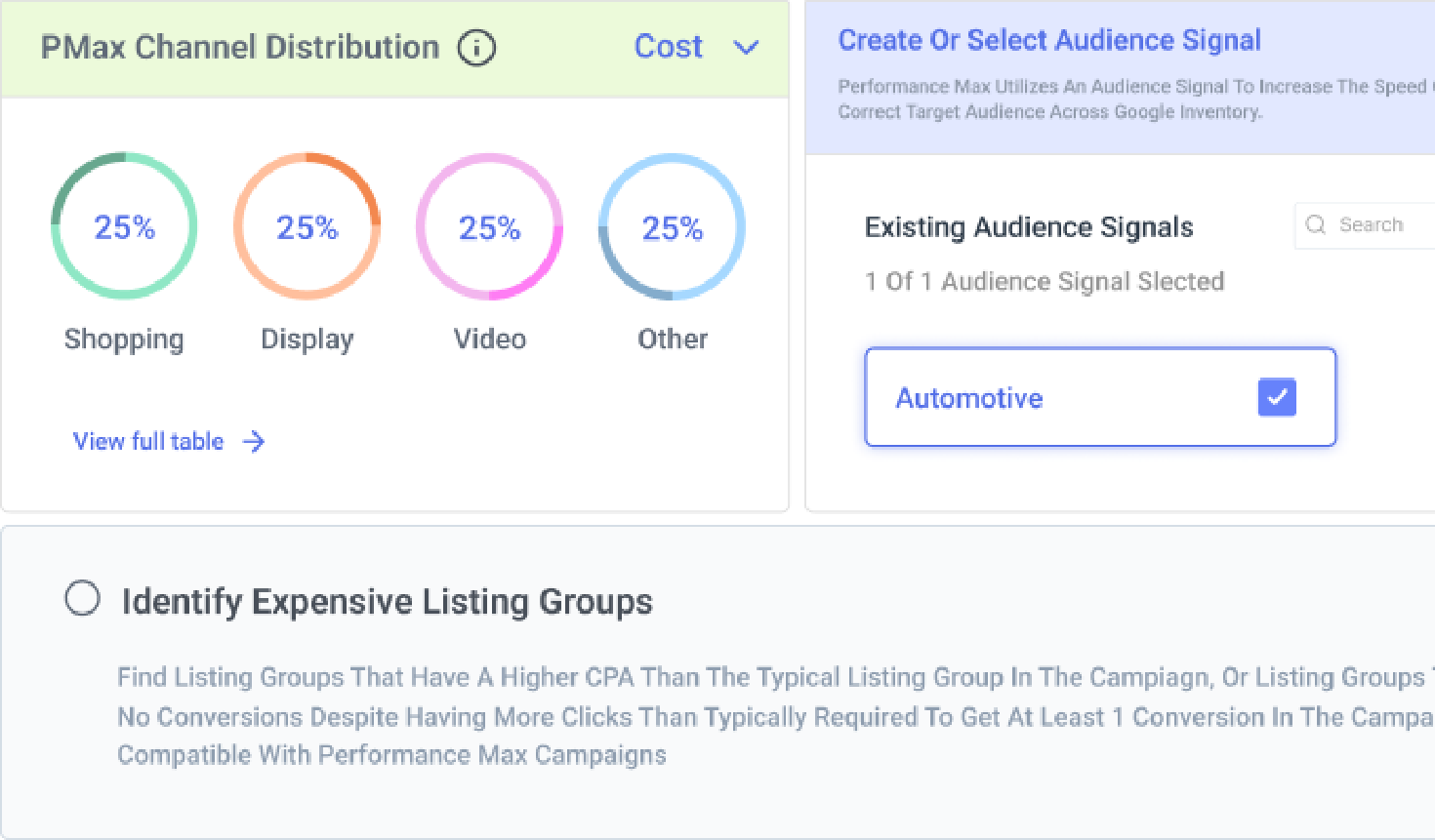
Find listing groups that got too big to manage, ones sitting completely empty, or ones burning budget without the returns to match. Split, remove, or fix them straight from the audit.
Split or remove bloated and empty product groups

Find the products you're not even advertising.
See which products in your feed aren’t attached to any campaign at all, and which ones are accidentally live in more than one. Both are quietly costing you money in opposite directions.
Find feed products missing from your campaigns

How agencies scale retail campaigns with Optmyzr
With where our industry is going, automation is here to stay. No one’s smarter than a computer; imagine having that power behind your campaigns. I wouldn’t think twice about adopting Optmyzr.
James Nash, Campaign Manager, DataCraft Digital
Read the full story




Feed Management FAQs
Auditing your feed helps uncover problems like missing attributes, disapprovals, or inconsistent data. Common issues include incomplete titles, missing GTINs, or incorrect categories, all of which can hurt ad performance. Regular audits using feed-focused tools help maintain feed health and eligibility.
Key attributes like product title, description, image, GTIN, brand, price, and availability play a major role in how your products are matched to search queries. Keeping these fields complete and optimized improves visibility and click-through rate.
Products marked out-of-stock in Merchant Center won't serve in Shopping ads. Feed Audit shows the percentage affected and lets you correct mismarked products with a Fix Now button, syncing the change to Merchant Center automatically.
Not at all. Feed Audit scans your feed automatically, scores overall health, and pinpoints exactly what needs fixing, like missing attributes or disapprovals, so you always know where to start.
It covers basic Merchant Center flags while also going further to surface optimization gaps, oversized product groups, and performance-based segmentation insights.
No. You can review and apply fixes right inside the audit, and Optmyzr syncs them directly to Merchant Center without requiring manual file uploads or dev support.
It combines automated checks, Express Optimizations, AI suggestions, and seamless syncing into a single, user-friendly workflow without relying on complex custom scripts or manual CSV uploads.
Yes. Up to 100 AI-generated suggestions, covering title, description, and category fields, can be downloaded as a CSV to review or share with a teammate before anything gets applied.
Products are sorted into five buckets: Heroes, Sidekicks, Villains, Zombies, and Flukes, based on ROAS and cost. Heroes and Flukes are candidates for scaling spend; Villains need lower bids or tighter control, while Zombies need more exposure or testing.
Yes, Feed Audits and Smart Product Labeler support both Google Ads/Google Merchant Center and Microsoft Ads/Bing Shopping feeds.
Yes. Combining KPIs like ROAS or conversions with feed attributes like brand, category, or custom labels helps identify which types of products drive the best results, informing bidding, budgeting, and inventory decisions.