


Your feed changes frequently. Your shopping campaigns should keep up.
When a product launches, it lands in the right group automatically. When a price shifts, your tiers update with it. When a SKU sells out, it’s paused before it wastes another dollar. You set the logic once and Optmyzr runs it every time your feed changes.



Optmyzr turns PPC teams into powerhouses of efficiency and effectiveness
Explore how we delivered to our customers

5 min
campaign setup
- +69% Conversion Value for a Key Client
- Budget Pacing at Scale

10–20%
ROAS uplift through product labeling
- 2+ Hours Saved Weekly
- 100% Automated Labeling Process

How to simplify Shopping campaigns as your catalog grows
Shopping campaigns are supposed to follow your product feed, but most teams end up managing the feed and the campaigns as two separate systems, not to mention PMax making it harder to see which products are driving results. Optmyzr closes that gap by using your feed as the starting point for structure, segmentation, budgets and reporting:
• Feed audits show what needs fixing.
• Product labels separate winners from wasted spend.
• Shopping Campaign Management syncs your campaign structure with feed changes.
• Budget and performance alerts flag what needs attention.
The result is a Shopping workflow that feels less like constant cleanup and more like controlled account management.


Build, automate & scale your Shopping campaigns with Optmyzr
Launch campaigns from your catalog in minutes
Optmyzr reads your Merchant Center feed and builds the entire structure for you. Our AI can suggest a campaign structure based on your best-performing attributes, your industry’s most common structure, or a structure built around ROAS and cost performance. Or ask Sidekick, our AI chat assistant, to guide you to create the campaign structure.

Get PMax-level automation with Standard Shopping control

Keep campaigns current automatically as inventory shifts

Fix feed issues before they drag down performance

Label products by value to allocate budget precisely

Automate optimizations based on your business logic

Get instant performance answers from Sidekick

Monitor high-traffic sales days from one command center

From raw Merchant Center feed to a self-maintaining account, without jumping between four different screens.
Connect your Merchant Center
Optmyzr reads your full feed and shows every attribute, variation, and product count before you build anything.
Label products by what they're worth
Tag by performance, margin, or feed attribute on a schedule. Labels update themselves as performance shifts.
Build your structure with AI
Ask the AI for a structure based on your best attributes, or design it yourself. Review everything before it goes live.
Automate upkeep, monitor everything
Feed sync, out-of-stock rules, bid automation, budget portfolios, and scheduled reports, all running without you.
How different teams run Google Shopping with Optmyzr
Optmyzr for ecom agencies
Build once, run across every client account
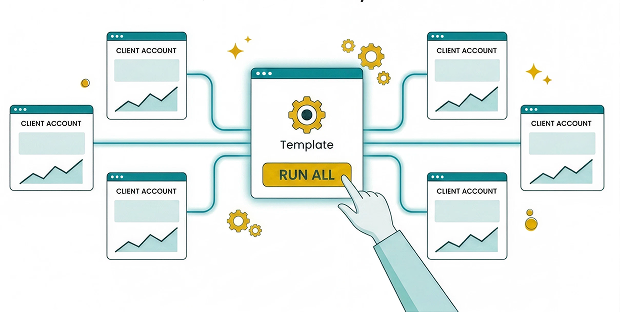
Optmyzr helps account managers spend time on strategy instead of campaign formatting, and build a portfolio that scales without proportional team growth.
- Keep campaigns automatically aligned with each client's catalog
- See portfolio budget pacing in one view
- Turn weekly reporting into templated, branded documents
- Replicate your best automation logic across accounts
Optmyzr for in-house ecom teams
Take back control of your budget and your account
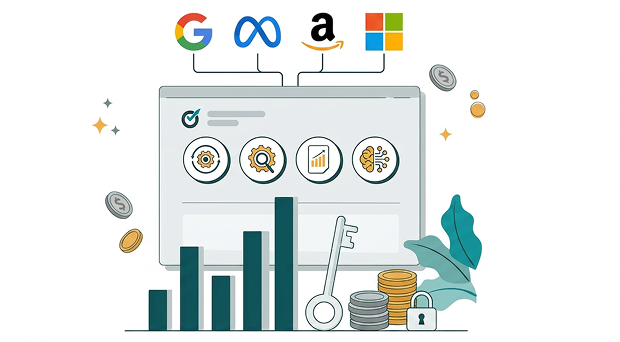
Optmyzr helps automate campaign structures and monitor your budgets so your team spends more time on decisions and less on maintenance.
- Keep thousands of SKUs in lockstep with live campaigns
- See exactly which products are driving PMax results by ROAS tier, category, or margin
- Catch budget and performance issues early
- Combine cross-platform reporting without manual stitching
Optmyzr for ecom consultants
One person, thousands of SKUs, full visibility
Optmyzr gives consultants the infrastructure to build any logic once and run it across their entire client book.
- Build custom segmentation and margin-driven automation once and run it across your client book
- Set a clear audit trail behind every decision
- Manage multiple high-spend accounts without constant tool switching
- Anchor your retainer to logic clients genuinely can't rebuild in-house

Connect your feed. See what your campaigns are capable of.
Try Optmyzr for 14 days. No credit card required.


FAQs
You can also ask Sidekick to surface which accounts in your portfolio are pacing over or under without navigating to each one manually.
If you want to distribute budget by brand, you can segment that way. If you have margin data and want to set budgets based on profitability, you’ll need to focus on margin tiers. Alternatively, you can split by product type to adjust spend differently for categories like clothing or watches.
If you have no specific preference, ROAS tiers are an excellent choice to allocate more budget to top performers while limiting spend on products that don't convert.
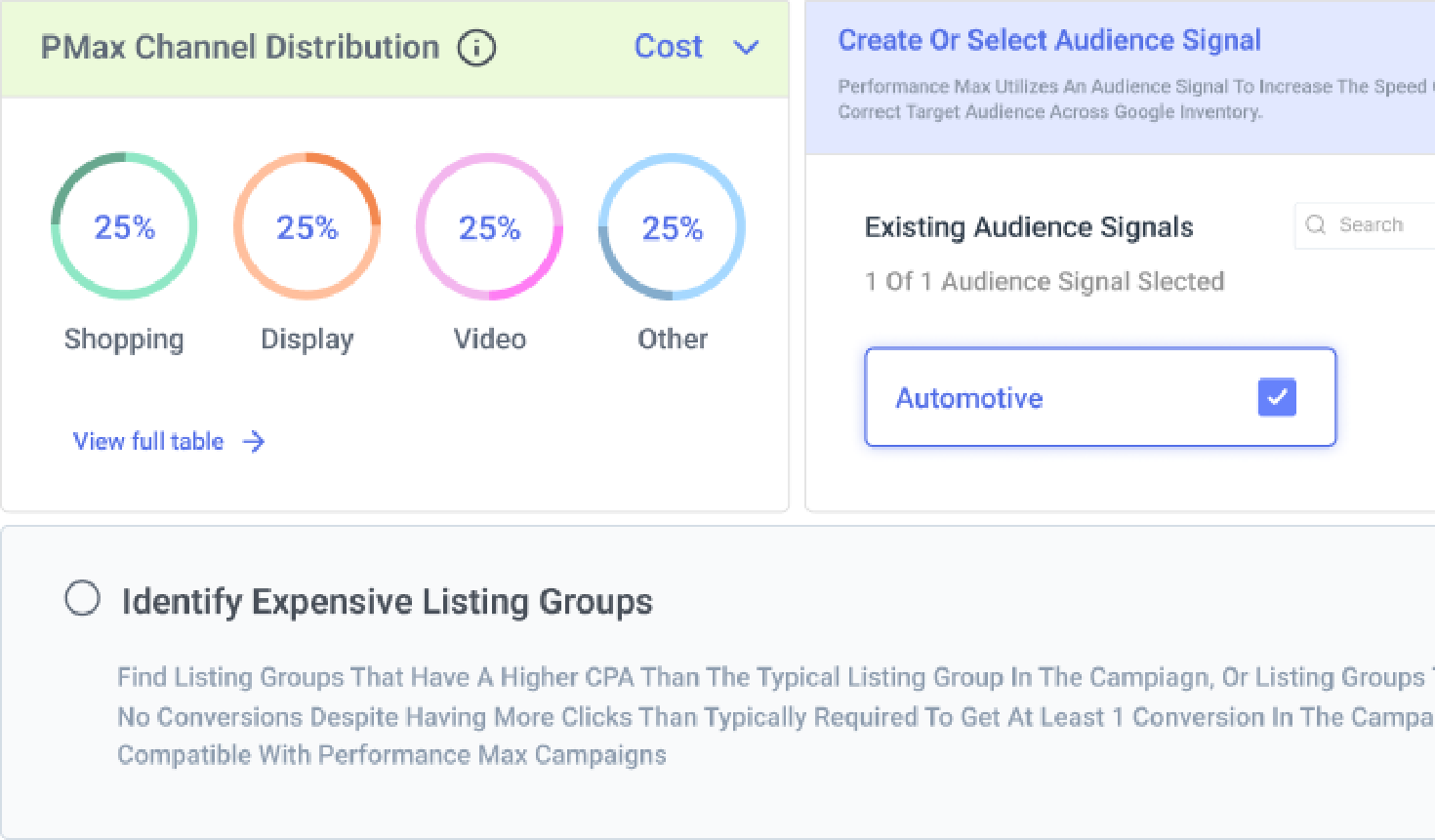
You can also ask Sidekick directly, describe what you're seeing and it'll tell you which products or ad groups are dragging performance and help you build a Rule Engine strategy to automate the fix going forward.
You can also use the Rule Engine strategies to find underperforming product groups or listing groups and exclude them from the campaigns.
Optmyzr Smart Campaigns run on Standard Shopping instead but with the similar intelligence of PMax campaigns. So you get the benefits of automated bidding, while retaining full access to search term data, negative keyword controls, and the ability to set granular ROAS targets per ad group.
Building one client's Shopping structure from scratch in Google Ads can take days on a large catalog. Optmyzr does that in minutes by reading the Merchant Center feed directly and you can build the campaign structure using AI automatically and create multiple campaigns within minutes.
Plus, there are other features that lighten your workload like Automated feed refresh, custom scheduled reports with no manual involvement, and KPI & budget alerts.
This makes it easier to handle multiple clients with most of your planning, overseeing and workflows are automated. Sidekick also helps here: instead of pulling dashboards per account, you can ask it questions across your portfolio and get answers in one place.