


Keep tabs on your PPC accounts no matter where your focus is.
Ad platform automation can be volatile and unpredictable. Optmyzr makes it easy to monitor campaign performance across all your accounts without actually having to be in the ad interface.
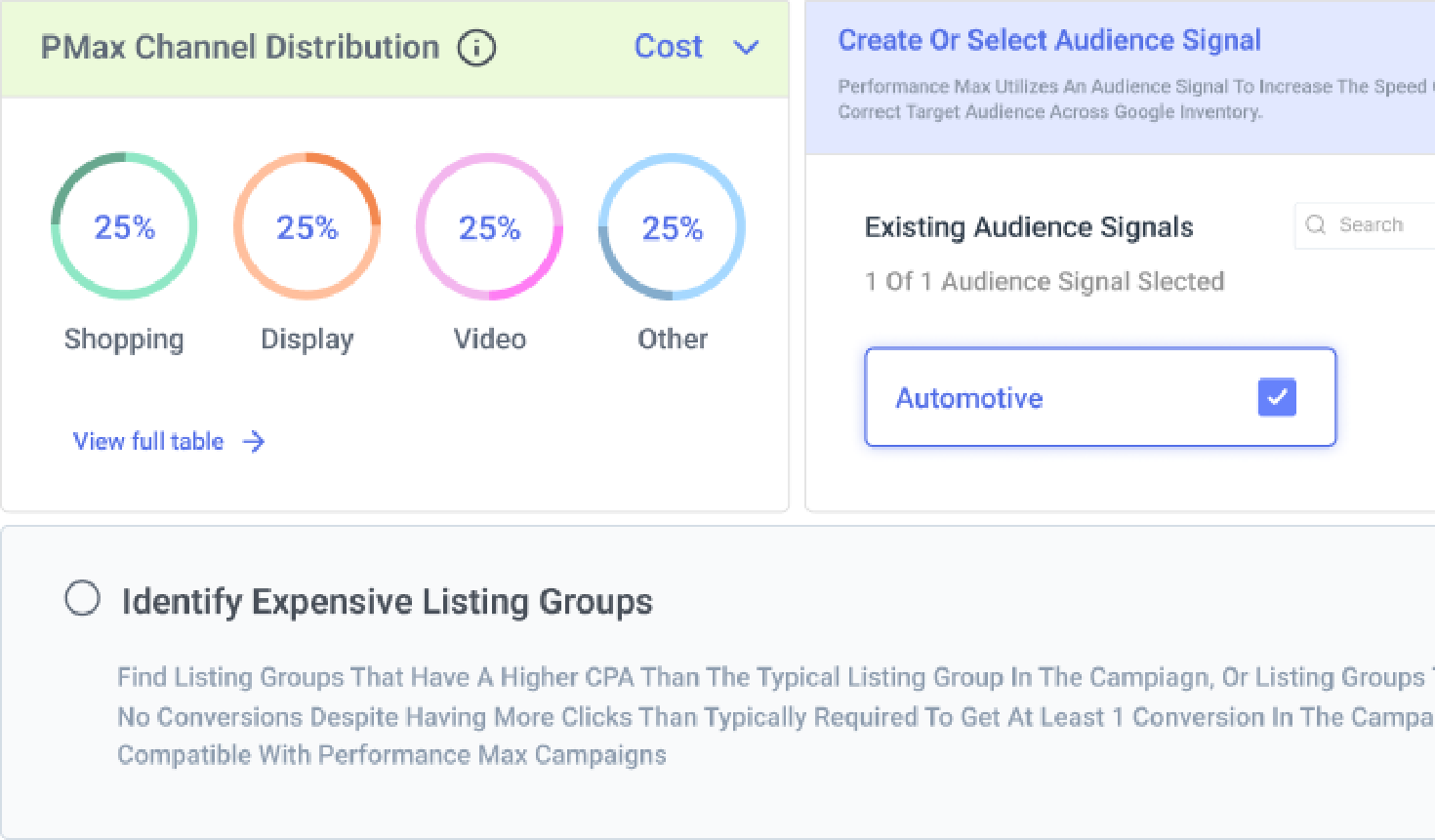


PPC Monitoring Capabilities for Google & Microsoft Ads
Alerts that tell you something is wrong — not just that something changed.
Catch unusual performance changes without getting distracted by normal day-to-day fluctuations. Optmyzr’s anomaly detection learns what’s normal for your account and alerts you when performance moves significantly outside that range. On Meta, you can also catch campaigns, ad sets, and ads that are still enabled but have stopped delivering. These are easy to overlook because everything appears active, even though your ads aren’t running or spending. Set up KPI alerts for individual accounts or entire portfolios, and get notified through email, Slack, Microsoft Teams, or other supported channels.

See how your portfolio performed last month — compared to this one, right now.
See performance trends instantly without building a report or exporting data. The Portfolio Dashboard compares performance across date ranges, including month-over-month, year-over-year, and custom periods. Key metrics such as impressions, clicks, conversions, CPA, average CPC, and ROAS are displayed alongside percentage changes, making it easy to spot gains and declines. The comparison works across mixed-channel portfolios, so you can analyze Google Ads and Microsoft Ads accounts in the same view and quickly answer whether performance is improving or slipping.

Never overspend another budget or get caught by surprise.
See where your ad spend is headed before budget issues affect performance. Spend Projection forecasts your likely monthly spend range using live pacing, historical trends, and seasonality. An AI-generated summary highlights what’s driving the forecast, including seasonal patterns, high-spend days, and whether you’re on track to hit your target. The forecast is available directly in the Budget Dashboard, making it easy to monitor pacing without switching tools. When you want to test different budget scenarios, you can open the full tool and see how projected outcomes change. Instead of explaining overspend after it happens, you get time to act before it does.

Tell campaigns exactly what to do when you’re not around.
Build automated rules that tell ad engines what to do when certain conditions are met. The Rule Engine comes with dozens of templates for the most common PPC issues, or you can create your own. Let the tool make the change or add it to a report to review later.

Quickly get to the bottom of changes in performance.
Sudden drop or spike in conversions? PPC Investigator pinpoints exactly what caused it. Switch between cause charts (showing the relationship between metrics) and root cause analysis (identifying the part of the account most responsible for the change) to understand what led to the change.

Keep your entire team on track with custom Blueprints.
Whether it’s onboarding a new client or making sure things happen when they should, success depends on proven processes. Account Blueprints lets you create sets of PPC tasks for any goal. Assign owners, set frequencies and due dates, and give people a blueprint for victory.

Paid media teams use Optmyzr to put PPC monitoring on autopilot
Case study
See how Morefire took advantage of Alerts and scheduled PPC audit reports to catch issues early, and the Account Dashboard to speed up account overviews when onboarding new clients.
Take back control of your PPC destiny.
Try Optmyzr for 14 days. No credit card required.


PPC Monitoring FAQs
Yes, Optmyzr notifies you about any change made by auto-apply recommendations. You can monitor these changes and ensure they align with your campaign strategy.
In Optmyzr, you can easily set up quick alerts for all your accounts at once (Google Ads, Microsoft, Amazon, LinkedIn, or Meta). These alerts allow you to set targets that automatically adapt and change based on the latest performance data.
It's important to monitor your PPC campaigns on a regular basis, at least once a day. This will help you to identify any areas where your campaigns are underperforming, make necessary adjustments, and ultimately ensure that you’re getting the maximum returns out of your investment.
Yes, it is crucial to keep an eye on your PPC accounts. By monitoring your PPC campaigns regularly, you can ensure that they are performing as well as possible and that you are getting a good return on your investment.
Your clients will not know you are using Optmyzr unless you want to tell them. However, most of our agency customers like to tell their clients that they use Optmyzr as it helps them win more clients.