


Reporting that showcases the impact of your expertise.
Reporting is a vital but often tedious part of PPC management. Optmyzr makes it easy to create reports that highlight the insights that matter: performance trends, key KPI shifts, and the impact of campaign changes. Combine data from multiple ad platforms into a single, clear view that guides both your team and your clients toward smarter decisions and better results.
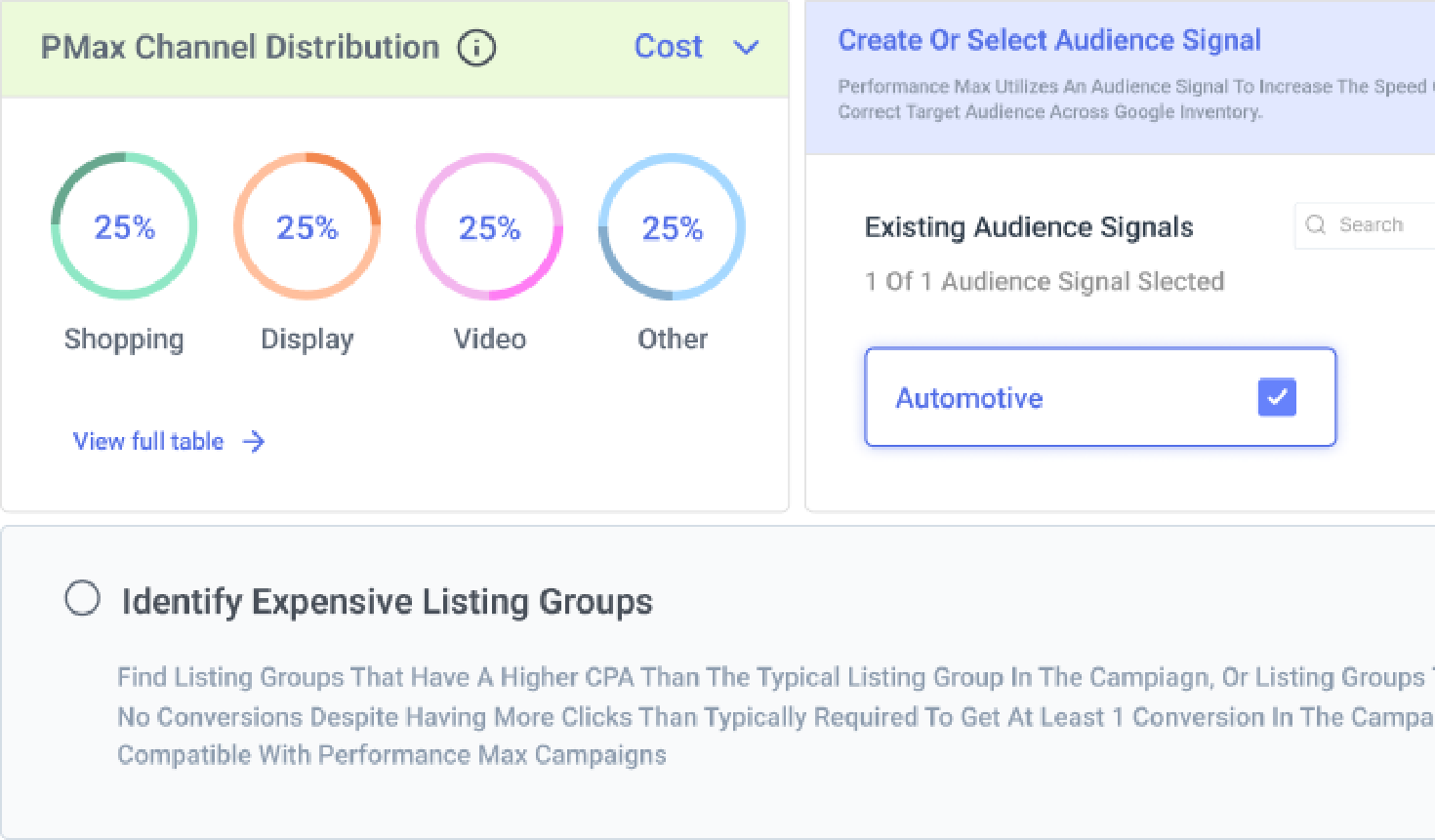


PPC Reporting Capabilities for Google & Microsoft Ads
Paint a complete picture of PPC’s impact on marketing and growth.
Customize PPC reports to match exactly what your clients or bosses want to see, using dozens of innovative widgets that highlight your contributions. Whether you’re showcasing account performance to clients or presenting advertising results to your boss, our reports have you covered!

Build once and report forever.
Create report templates and use them across any account connected to Optmyzr. Save hours by re‑using templates and scheduling reports for automatic delivery. You can also share interactive dashboards with clients or stakeholders, making it easy for them to review performance and insights anytime. Available for Google Ads, Microsoft Ads, Amazon, Meta and LinkedIn.

Let AI help you build and interpret reports faster.
Use Optmyzr’s built-in AI assistant to generate reports from simple prompts. Just describe what you need, and it’ll handle the rest. Before a meeting or review, ask AI to summarize key insights so you don’t have to read the full report to get up to speed.

Capture all your cross-platform data in one report.
Deliver client reports faster without stitching data together from multiple platforms. Multi-account reports combine data from Google, Microsoft, Amazon, Meta, LinkedIn Ads, and GA4 in a single report. Build it once, schedule delivery, and clients receive consistent, branded reports automatically. For B2B clients running LinkedIn campaigns, company-level segmentation shows exactly which organizations are engaging across multiple LinkedIn Ads accounts. Instead of reporting platform metrics alone, you can show account-based marketing results in a format clients actually care about. Less time building reports. More time acting on the insights.

Launch reports and templates in any language.
A proven report or campaign template shouldn’t need rebuilding every time you enter a new market. Yet that’s exactly what happens when the structure works but the language doesn’t. Every Optmyzr Blueprint and Report template is available in all supported languages. Open a template in your preferred language and start using it immediately. No rebuilding. No translating. No awkward client conversations about half-English reports. The template stays the same. The language adapts automatically.

Show clients exactly which products, brands, and SKUs are driving performance.
Campaign-level reporting tells you what happened. Product-level reporting tells you what to do next. Optmyzr’s Report Designer lets you add product-level performance tables directly into scheduled reports. Show item IDs, product titles, images, brands, and key performance metrics alongside each product. No manual exports. No Merchant Center connection required. Stakeholders get the answers they’re looking for before they have to ask. Works with Standard Shopping and PMax retail campaigns.

Digital marketers use Optmyzr to deliver high-quality, timely reports that keep clients happy
Case study
Read how this Data-Driven Digital Marketing Agency taps into Optmyzr's AI for timely, data-packed reports that delight their clients.

Take back control of your PPC destiny.
Try Optmyzr for 14 days. No credit card required.


PPC Reporting FAQs
Optmyzr allows you to create single- and multi-account reports, annual reports, executive reports, and more.
Yes, Optmyzr lets you report on multiple ad platforms like Google Ads, Microsoft Ads, Meta & LinkedIn Ads, Amazon Ads, and Google Analytics.
You can set up an automation schedule for your report to be delivered regularly with the updated performance data. You can also pin the report link to have a single, up-to-date reporting dashboard. Alternatively, share your Optmyzr Account Dashboard with clients as a live, shareable dashboard, allowing them to access a real-time, interactive, white-labeled view of performance data.
Yes, the tool offers a variety of comparison widgets that provide you with different comparisons between account entities, periods, and a lot more. You can compare two campaign types, the performance of two bid strategies, or even two different platform accounts.
You can easily generate a detailed account summary to include in your report. Our reporting tool offers the functionality to compile all the essential information, metrics, and insights into a clear and concise account summary, ensuring your reports are informative and visually appealing.
Yes. You can describe what kind of report you need and have it built automatically using our AI-powered assistant. It also helps you get quick summaries from your reports, so before a client meeting or check-in, you’ll always walk in with the right talking points.
Optmyzr tells you before you send it. If any account's data fails or comes back partial while you're building a multi-account report, the affected widget is flagged, and Optmyzr asks you to confirm before you email a PDF, download one, generate a report link or save a snapshot. You can cancel and re-run, or export anyway if you know the gap is expected. But you won't discover a platform reading zero after the client already has the report.