


Know about a bid problem or a feed gap before it costs you wasted spend.
Your Shopping campaigns get checked automatically, on a schedule you set. You decide whether the fix applies on its own or waits for your review.
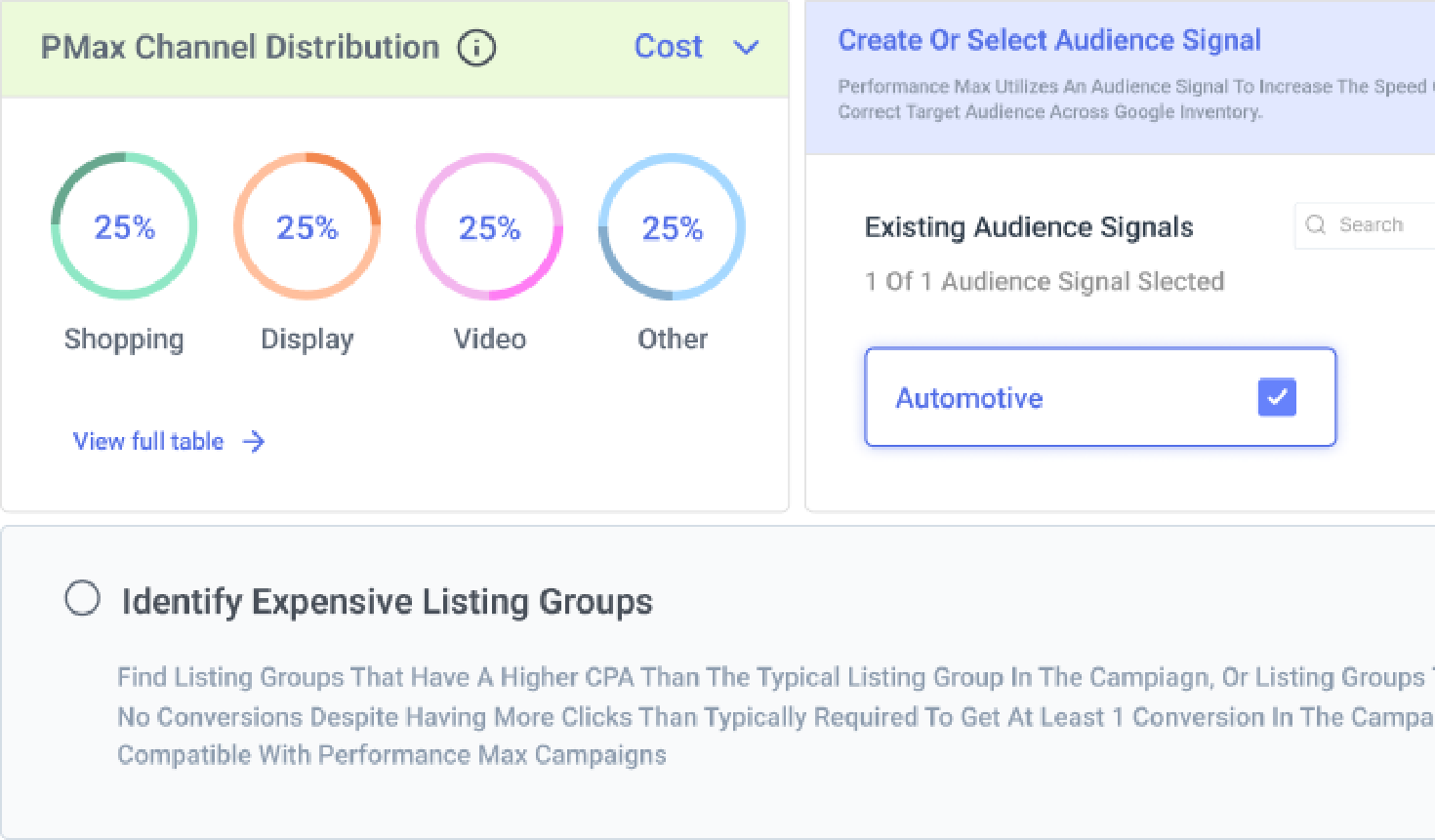


How can you automate Shopping campaigns at scale?
Automate bid changes for underperforming product groups
Reducing bids on expensive, underperforming product groups by hand means someone has to notice the problem first, and by the time they do, budget’s already spent.
Rule Engine’s “Reduce Bids for Expensive Product Groups” strategy automatically lowers bids on product groups with a higher CPA than the campaign’s typical average, or with more clicks than it normally takes to get a conversion in that campaign. It’s built for Standard Shopping campaigns running on Enhanced CPC, and you can customize this rule based on your thresholds.
See Rule Engine strategies for Shopping bids
Rule Engine’s “Reduce Bids for Expensive Product Groups” strategy automatically lowers bids on product groups with a higher CPA than the campaign’s typical average, or with more clicks than it normally takes to get a conversion in that campaign. It’s built for Standard Shopping campaigns running on Enhanced CPC, and you can customize this rule based on your thresholds.

Keep campaigns in sync with your feed without anyone touching them
Products get added, removed, or go out of stock constantly, but a campaign built around last week’s feed keeps running on stale structure until someone rebuilds it by hand.
Shopping Campaign Management syncs with your merchant feed to update existing product groups and listing groups, and creates new ad groups or campaigns as your feed changes, suggesting removals for discontinued products and additions for new ones. You can run it manually, or schedule it to refresh automatically on a daily, weekly, or monthly cadence.
Sync Shopping and PMax campaigns with Merchant Center
Shopping Campaign Management syncs with your merchant feed to update existing product groups and listing groups, and creates new ad groups or campaigns as your feed changes, suggesting removals for discontinued products and additions for new ones. You can run it manually, or schedule it to refresh automatically on a daily, weekly, or monthly cadence.

Automatically exclude the PMax placements that don't belong near your brand
PMax can serve your ads next to gaming content, kids’ content, or other placements that were never right for your brand.
In such cases, you can use Rule Engine’s prebuilt strategies like “Exclude Gaming PMax Placements from Account,” “Exclude Placements from Employment Content” and “Exclude Kids PMax Placements from Account,” that add exclusions at the account level.
Exclude brand-unsafe PMax placements
In such cases, you can use Rule Engine’s prebuilt strategies like “Exclude Gaming PMax Placements from Account,” “Exclude Placements from Employment Content” and “Exclude Kids PMax Placements from Account,” that add exclusions at the account level.

Automate negative keyword additions using Rule Engine
Non-converting search terms keep eating budget until someone reviews the report and adds negatives by hand, which most teams don’t get to often enough. Rule Engine lets you run prebuilt strategies that identify non-converting search queries with high cost or poor CTR in Standard Shopping campaigns and automatically add them as ad group negative keywords.
Find and add Shopping negative keywords automatically

Let AI build the Rule Engine strategy for you
Setting up a good Rule Engine strategy from scratch means knowing exactly which conditions and actions to combine, which is its own small project before it ever runs. Rule Engine’s “Create Strategy Using AI” beta feature lets you describe your goal in plain language and generates the rules for you to review before adding. Through Optmyzr’s MCP, you can also ask Claude or another connected AI assistant to generate a Rule Engine strategy directly, without opening Optmyzr first.
Build a Rule Engine strategy from a prompt in Claude

Monitor trending and declining products
Product performance shifts constantly across a big catalog, and by the time someone happens to notice a product quietly losing conversions, budget’s usually already been wasted on it for days.
Rule Engine’s “Analyze Product Trends” strategy monitors performance change at the product level and flags the ones that are trending up or have recently started losing conversions, so you know which products deserve attention without reviewing the whole catalog by hand.
Flag rising and falling products with Rule Engine
Rule Engine’s “Analyze Product Trends” strategy monitors performance change at the product level and flags the ones that are trending up or have recently started losing conversions, so you know which products deserve attention without reviewing the whole catalog by hand.

Bid to a target ROAS or CPA instead of setting bids by feel
Picking the right bid for a product group without a clear target metric usually comes down to guesswork, adjusted occasionally whenever someone remembers to check.
Rule Engine’s “Bid to Target ROAS” and “Bid to Target CPA” strategies set bids automatically to help hit whichever metric matters more for that product group. Both use a lookback window that starts at 7 days and progressively expands up to 90 days, until there’s enough conversion data to make a reliable bid decision.
Set up target ROAS and CPA bidding rules
Rule Engine’s “Bid to Target ROAS” and “Bid to Target CPA” strategies set bids automatically to help hit whichever metric matters more for that product group. Both use a lookback window that starts at 7 days and progressively expands up to 90 days, until there’s enough conversion data to make a reliable bid decision.

Optmyzr in action
240+ hrs
saved per client annually
36%
decrease in customer acquisition cost
16%
increase in acquisition efficiency
I know campaigns are running smoothly 24/7. No more babysitting accounts. I get to focus on growing them. Optmyzr is both my safety net and my growth engine.
Heather Darab, Founder, Blue Yarn Media
Read the full story


Let Optmyzr handle the routine work
Try Optmyzr for 14 days. No credit card required.


FAQs
Optmyzr offers tiered subscription plans based on your ad spend and team size. You can start with a 14-day free trial with no credit card required to test all core features and automations before committing.
Setting up Optmyzr only takes a few minutes. All you need to do is connect your Google Ads, Microsoft Advertising, or Google Merchant Center accounts via secure OAuth authorization. No coding or complex developer integration is required.
Yes. Tools like Rule Engine let you run strategies in preview mode first. You can review all proposed bid changes, placement exclusions, or negative keyword additions before deciding to apply them automatically or approve them manually.
Yes. Through Optmyzr's Model Context Protocol (MCP) integration, you can interact with Claude, ChatGPT, or other connected AI tools using natural language to build, refine, and review Rule Engine strategies directly without logging into Optmyzr first.